
FireTV: how to install Kodi on Fire TV
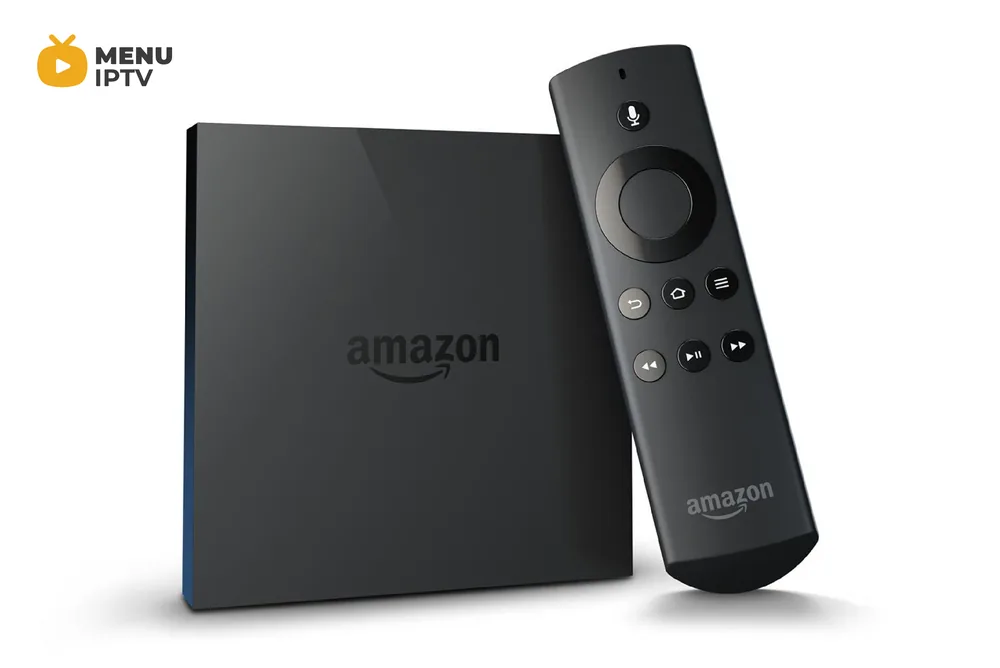
Amazon FireTV is a powerful media box which can turn your ordinary TV to a smart one. IPTV channels, apps, games, TV episodes, and HDMI port are some of it features. Many users prefer to set up Kodi on this device by which the streaming of multimedia will be available. In the following two different ways are explained.
First Method:
- Go to Setting and scroll down to System.
- Find Developer Options and Enable ADB Debugging and Apps from Unknown Sources.
- Now on App Store search for Kodi Downloader
- Open the installed app and paste the following link and click on the Download button.
- Once the App is downloaded, you will get the option to Install Kodi. Click on the Install button.
Now the Kodi has installed on your FireTV.
Second Method:
In this method, you have to first install Kodi on your smartphone. With the help of Apps2Fire, an Android app that helps you to install Android apps on Amazon FireTV, you can transfer the apps from your smartphone to your device.
- Navigate to Settings/System/Developer options. Turn on “Apps from unknown sources”. After install completion, you can turn it off.
- Record your FireTV IP address by going to Settings/System About/Network.
- Install Apps2fire and insert the recorded IP address.
- Install Kodi on Your Phone.
- Click on Menu then, Upload button. In the full list of applications, select Kodi.
The Installation will start. Any error you see means this method will not work for your device and it had better follow the first method.
Apps2Fire is a simple app which allows you to download Kodi on your FireTV. If everything works perfectly then putting Kodi on FireTV is successful.
Need an IPTV subscription for this device? Get the free 24h IPTV test from Menuiptv, then pick a plan from 38 € for 6 months.