
4 steps to setup IPTV on VLC media player
VLC is one of the most used applications for streaming IPTV channels. The VLC media player is a free and open-source, portable, cross-platform media player and streaming media server produced by the VideoLAN project. VLC is available for desktop operating systems and mobile platforms, such as Android, iOS, Tizen, Windows 10 Mobile, and Windows Phone.

In this tutorial, we will show you how to record Live programs on VLC. And in this guide, we will show you how to set up IPTV channels via VLC on your computer.
How to add IPTV channels to VLC
Download VLC media player from:
http://www.videolan.org/vlc/index.nl.html
and follow the steps to Install VLC Media Player.
You can download it for different Operating Systems here:
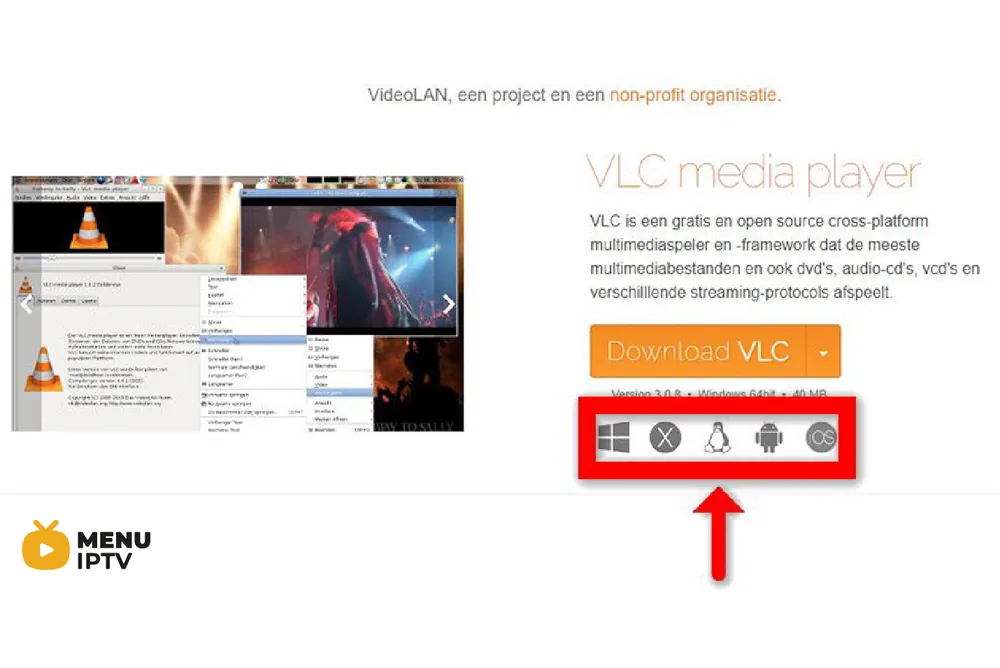
After you download and install VLC based on your Operating system, you can start the setup steps.
Step-by-Step Guide to Setup IPTV on VLC
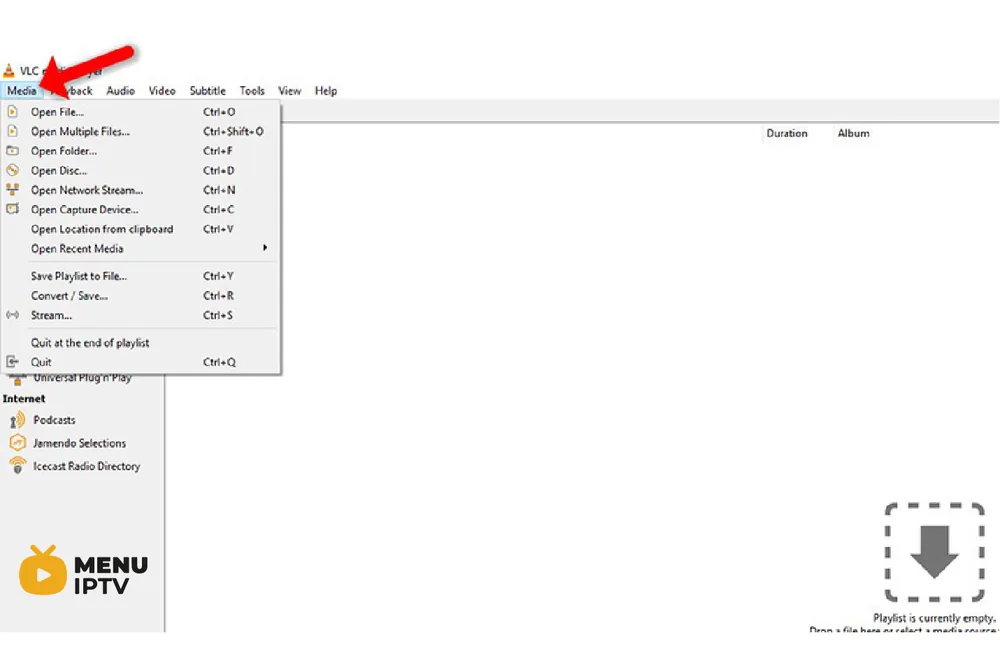
Step 1: When the application is opened, press on “Media“.
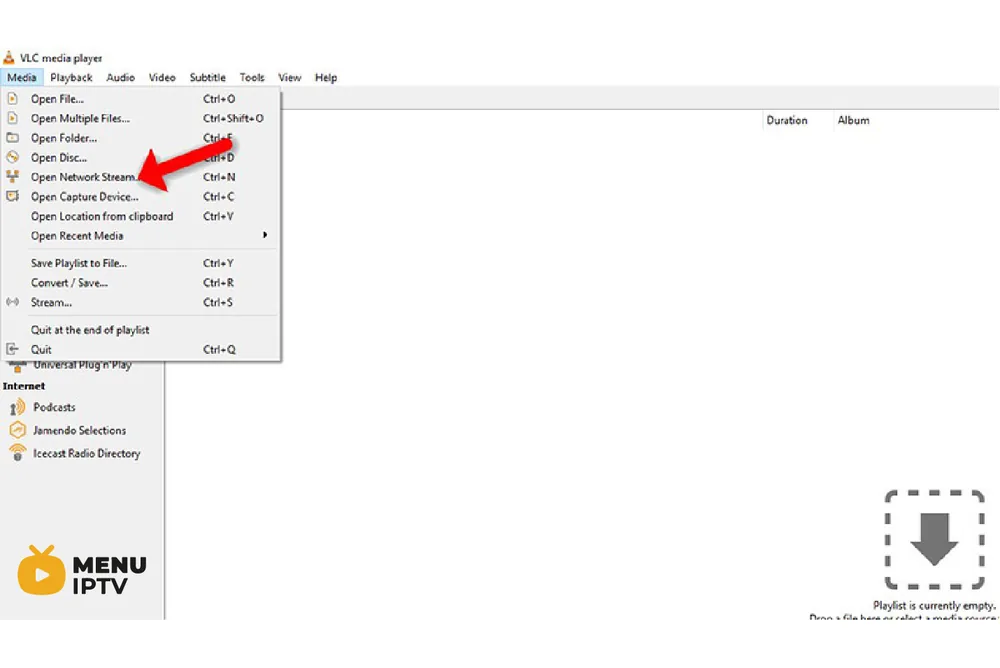
Step 2: Click on “Open network stream“.
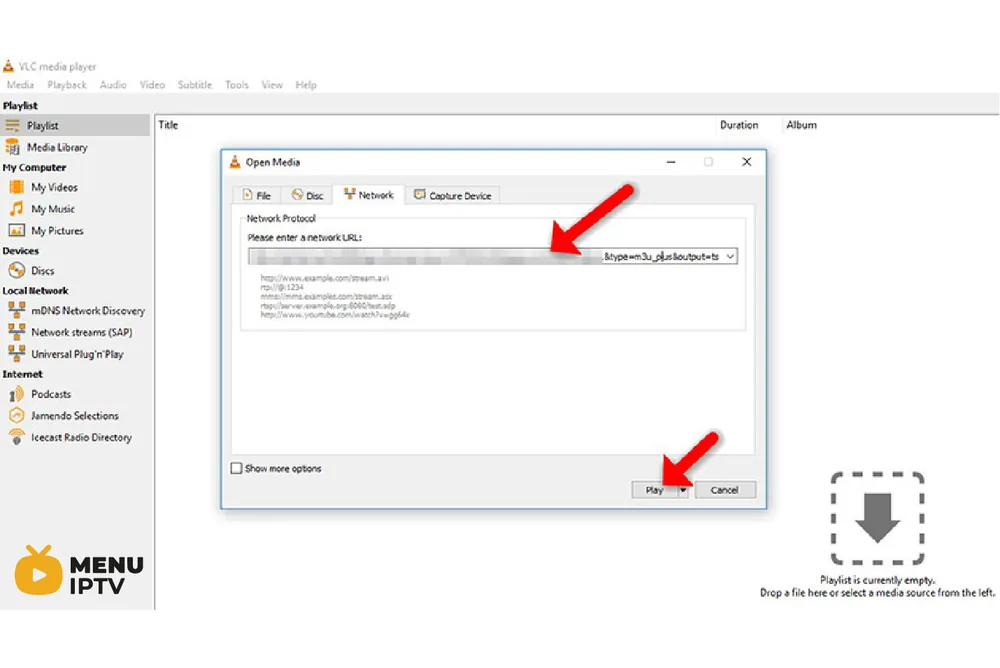
Step 3: Enter the M3U URL provided by your IPTV distributor and press “Play“.
Note: The progressive IPTV providers give you a dashboard where you can generate your M3U URL in the dashboard.
Step 4: Now your playlist is loaded. Press the combination CTRL+L to bring up the playlist.
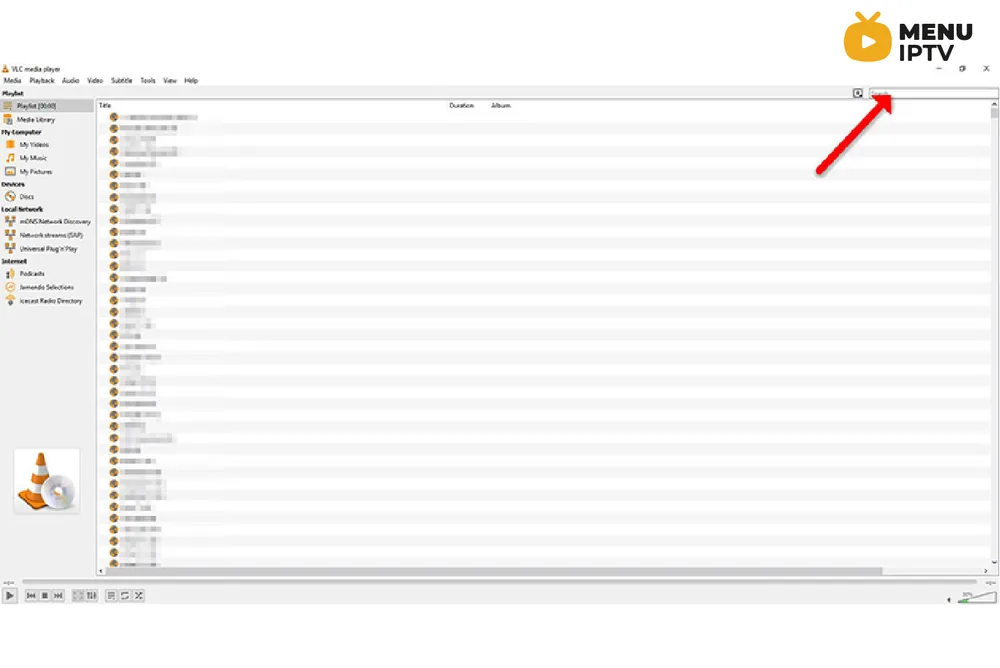
Here you can choose or search for your desired channel and start watching Live TV.
Additional Tips for VLC
Please do not hesitate to ask your question in the comments if you need any further help.
----------------------
/2024/05/30/how-to-setup-iptv-on-ibravebox-f10s
/2024/05/30/8-how-to-setup-iptv-on-iptv-smarters-pro
Need an IPTV subscription for this device? Get the free 24h IPTV test from Menuiptv, then pick a plan from 38 € for 6 months.