10 steps to setup IPTV on IPTV Extreme
How to add IPTV channels to IPTV EXTREME PRO
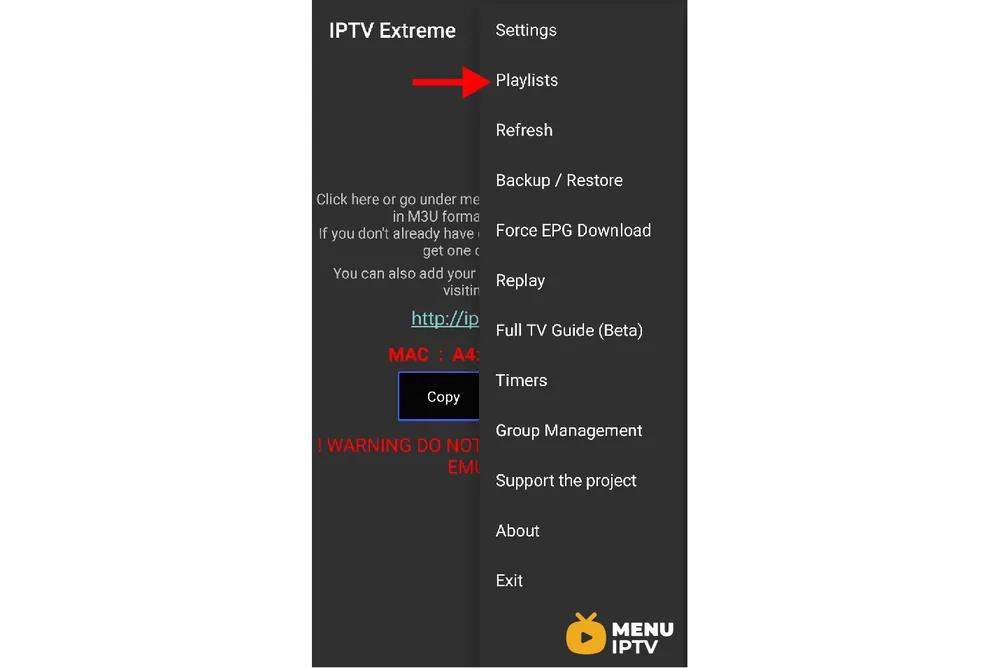
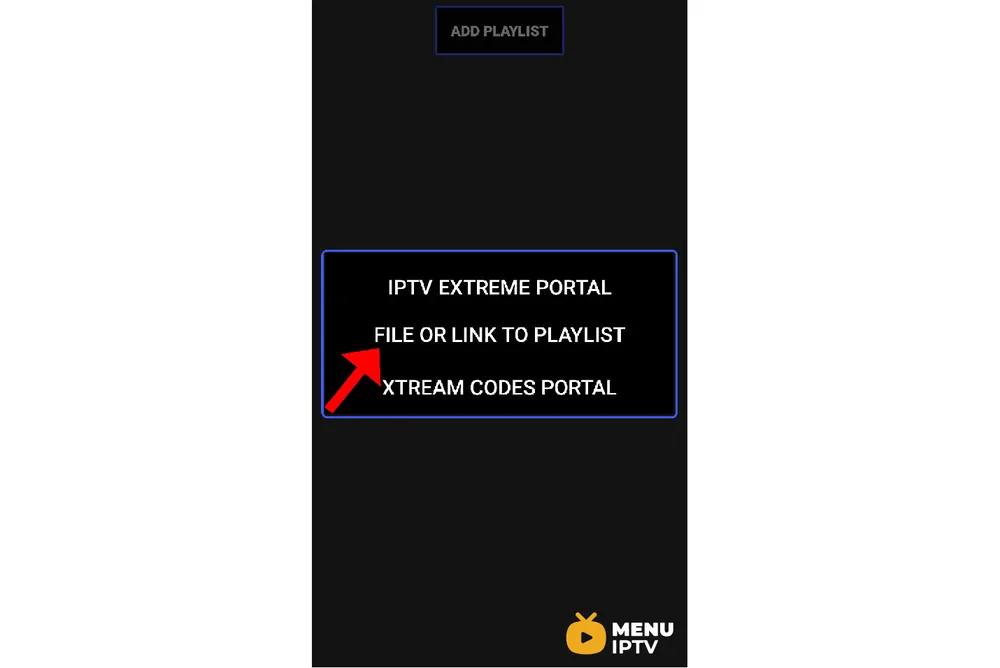
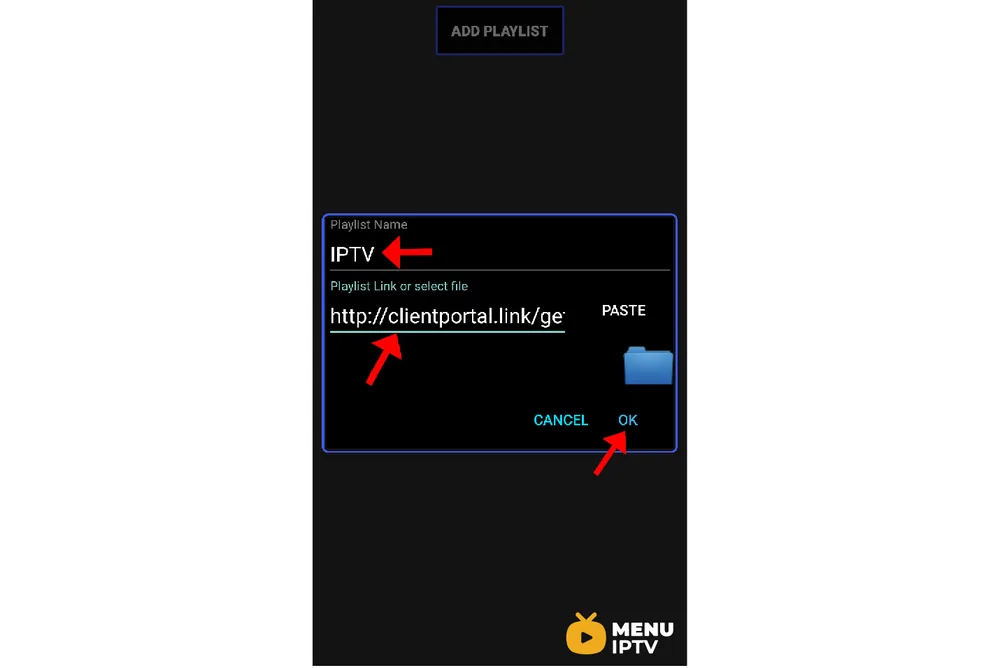
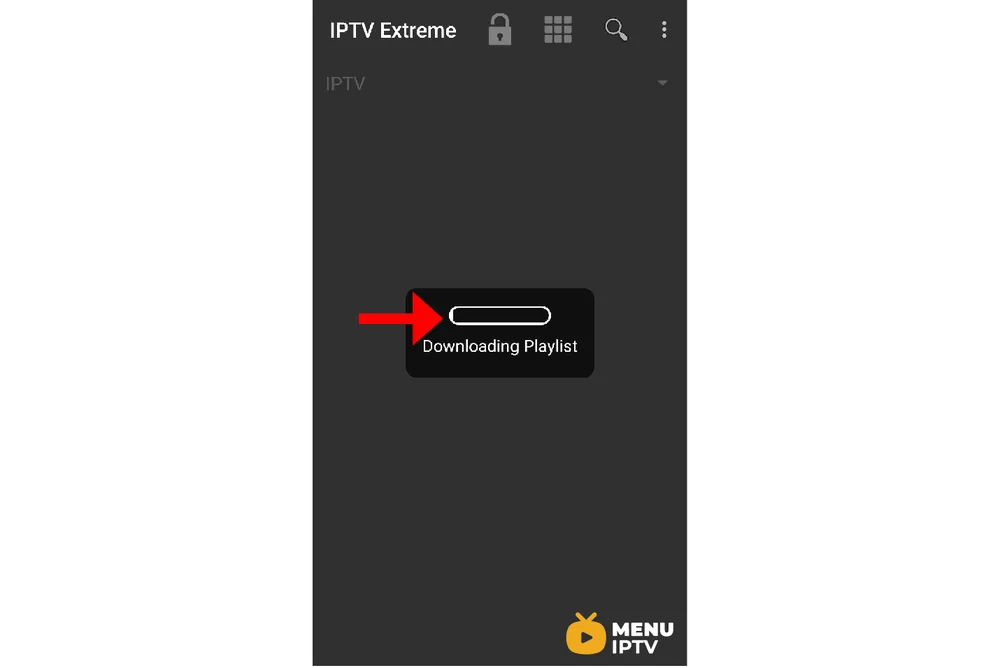
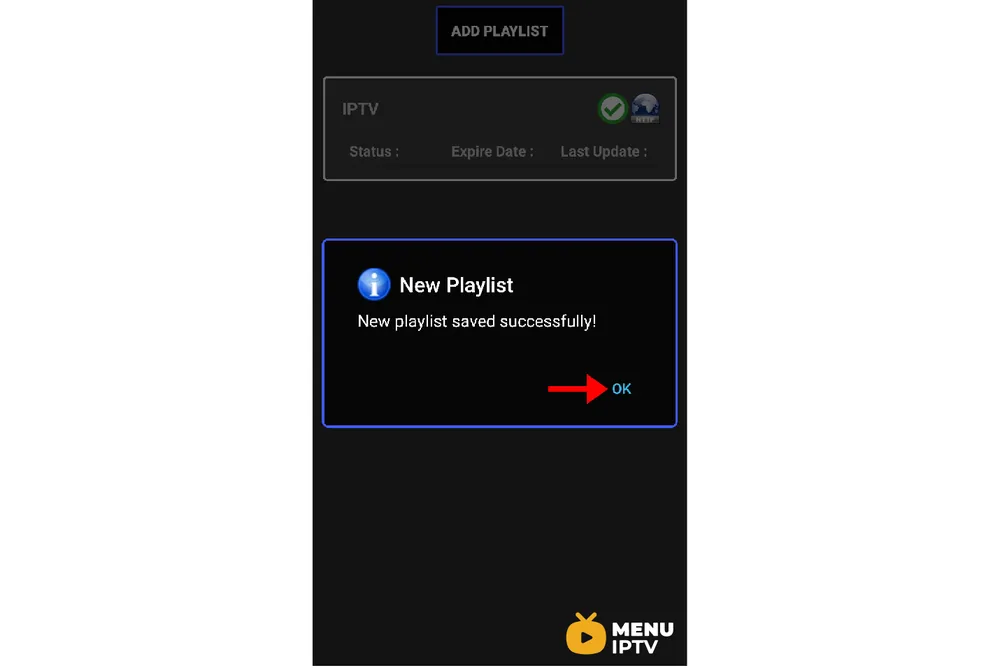
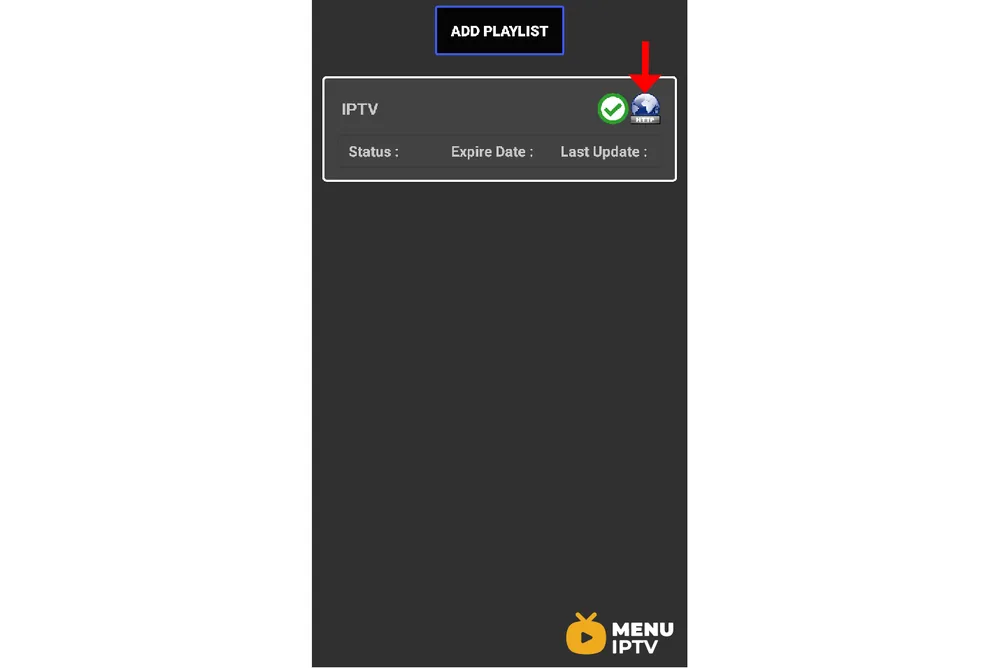
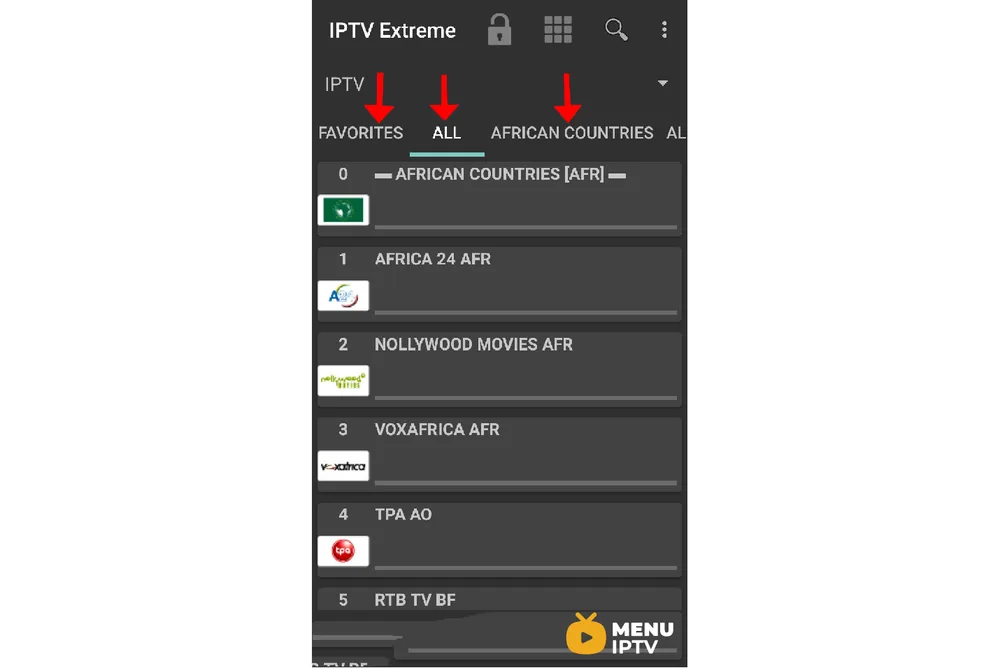
Step 1: After downloading the version of your choice, start the application and wait for it to load up.
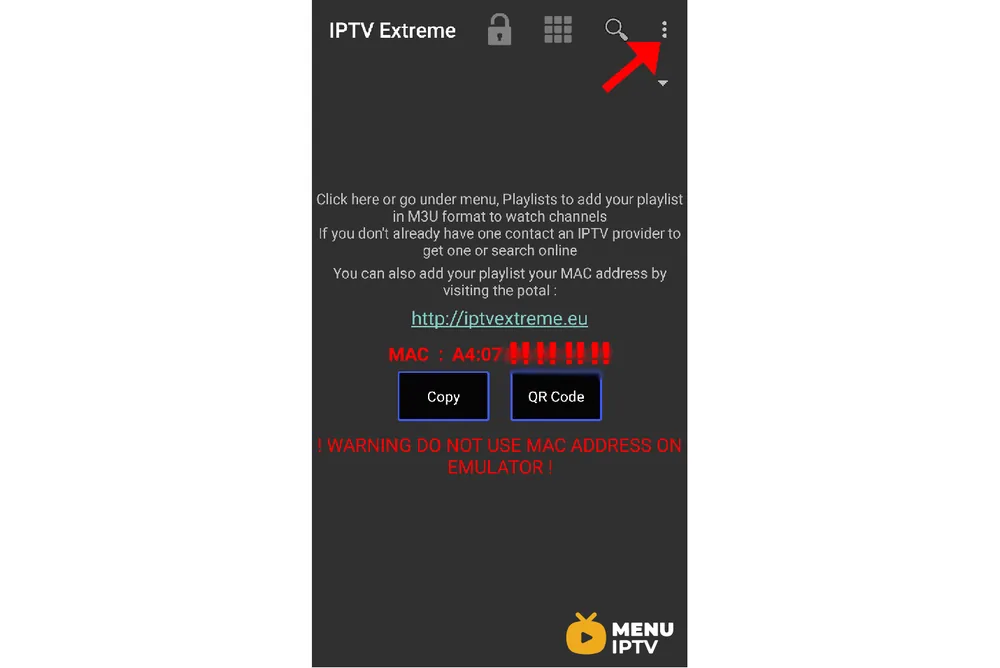

IPTV EXTREME PRO features
- Integrated Player (Advanced & Light)
- Chromecast Support (Beta)
- Parental Control
- Remote Controller support
- Backup / Restore Settings
- M3U playlists support
- Multi EPG support (TV Guide)
- Auto EPG update
- EPG alias management
- All the EPG providers are included
- Picons support in different size
- Ability to download On Demand Programs!
- Ability to record Live Streaming with time limit!
- More than 10 Themes available!
- Time Recording
- Timers Management
- Autostart On Boot Function
- Set Memo function for Events on TV Guide
- Search for Similar Events on TV Guide
- Sliding EPG time
Need an IPTV subscription for this device? Get the free 24h IPTV test from Menuiptv, then pick a plan from 38 € for 6 months.